Old enquiries can build up quickly, especially when they never turn into a booking.
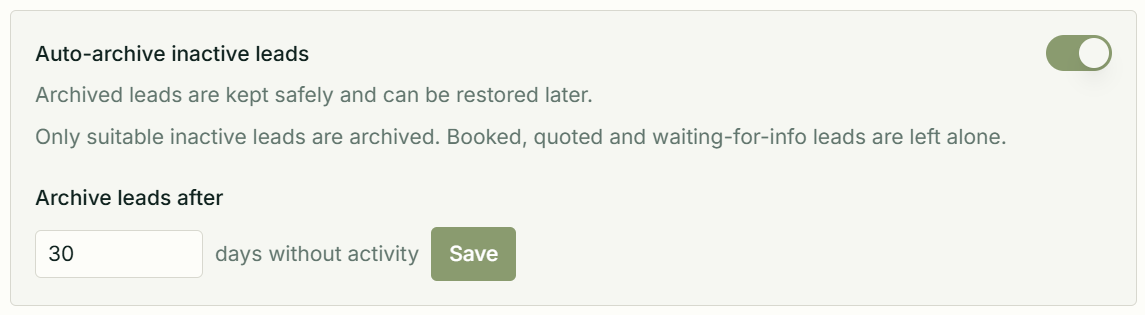
MobiFlex can now automatically archive inactive leads after a set number of days. That helps keep your active lead list focused on the people who still need a reply, quote, booking or follow-up.
Archived leads are not deleted. Their history is kept safely, and they can be restored later if the enquiry becomes active again.
For safety, MobiFlex leaves booked, quoted and waiting-for-info leads alone.
Professional users can turn auto-archive on in Settings > Workflow and choose how many quiet days should pass before eligible leads are archived.
Auto-archive lives in your workspace settings. Turn it on, choose the number of quiet days, and MobiFlex will keep suitable inactive leads out of the active pipeline.