

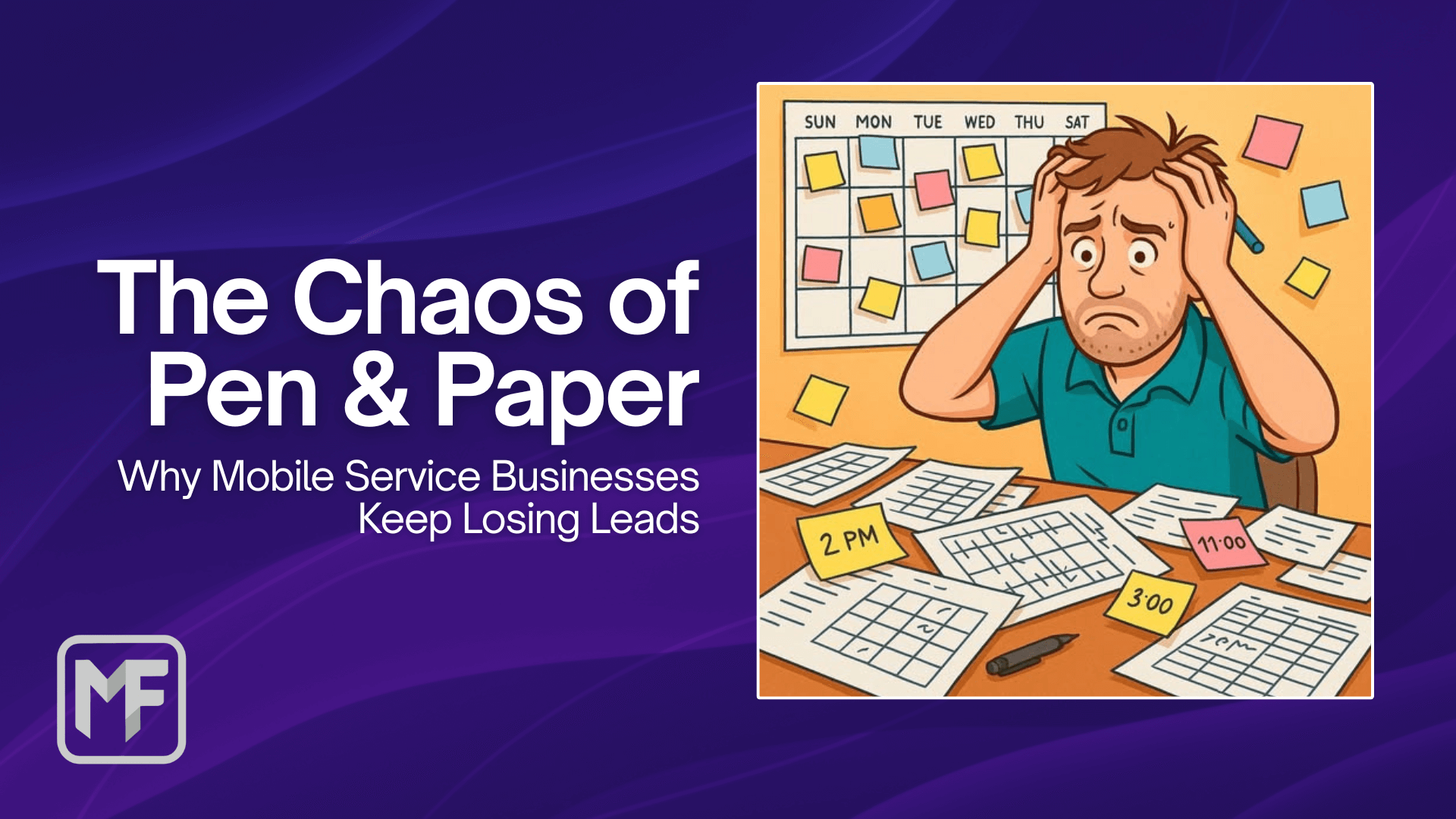
Paper notes feel simple until the business gets busy.
One lead is written in a notebook. Another arrives by text. A customer sends photos through Facebook. A quote needs chasing. A booking is written in the diary, but the job notes are still in someone’s phone.
Nothing looks broken in the moment. The mess shows up later, when someone asks, “Did we ever follow that up?”
The problem is scattered context
Small service businesses run on context.
Who called? What do they need? Has anyone replied? Are they booked? What address? What asset or equipment details matter? Is there a photo? Does the customer need a reminder?
Paper can capture a single detail. It struggles to keep the whole workflow connected.
Leads need a visible place to live
A lead is not finished just because someone wrote it down.
Until it is booked, closed, or deliberately left for later, it needs a visible place to live. Otherwise the business ends up relying on memory and good intentions.
That is fine for a quiet week. It is risky when enquiries arrive from phone calls, email, social messages, Google Business Profile, referrals and website forms.
Bookings need more than a date
A booking is not just a date and time.
For most service businesses, a useful booking includes the customer, location, job notes, work type, relevant assets, photos, preferred timing and who is responsible for the work.
When those details are scattered, the booking becomes harder to trust.
Digital does not have to mean heavy
Moving beyond paper does not mean adopting a huge job management platform.
For many small service businesses, the better next step is a lightweight operating surface: leads, clients, bookings, work details, notes and what is coming up next.
That is the role of MobiFlex Core.
Extensions can be added only when they make sense. Calendar sync, Magic Inbox, lead capture, reminders and setup help should support the workflow, not make it more complicated.
Start with the workflow
Before choosing tools, map the path from enquiry to booked job:
- Where do leads come from?
- Who sees them first?
- Where does follow-up happen?
- What details are missing most often?
- What needs to be visible each day or week?
That gives you a clearer starting point than simply saying “we need software”.